Key takeaways
- A kitchen display system, or KDS, shows orders on a screen in the kitchen instead of printing paper tickets.
- Benefits include fewer lost or misread tickets, live timers, station routing and a record of prep times.
- Set up stations and categories carefully, define clear ticket states and decide what happens when a screen fails.
- Introduce it in a quiet period, train the line, and review prep-time data weekly to find the real bottleneck.
What a kitchen display system does
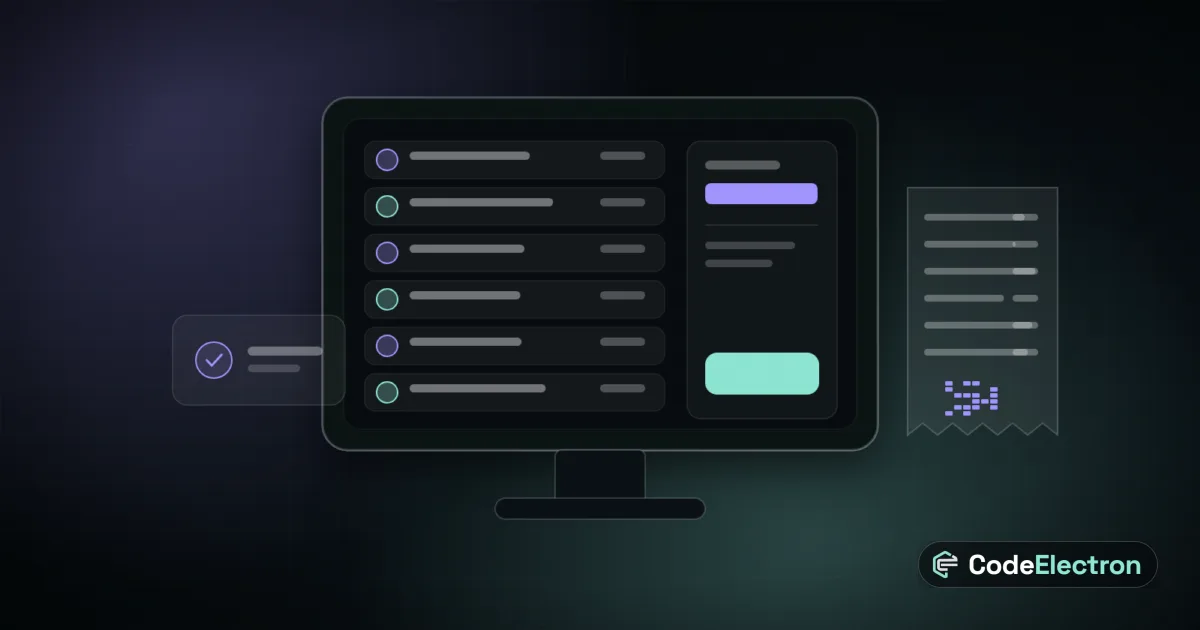
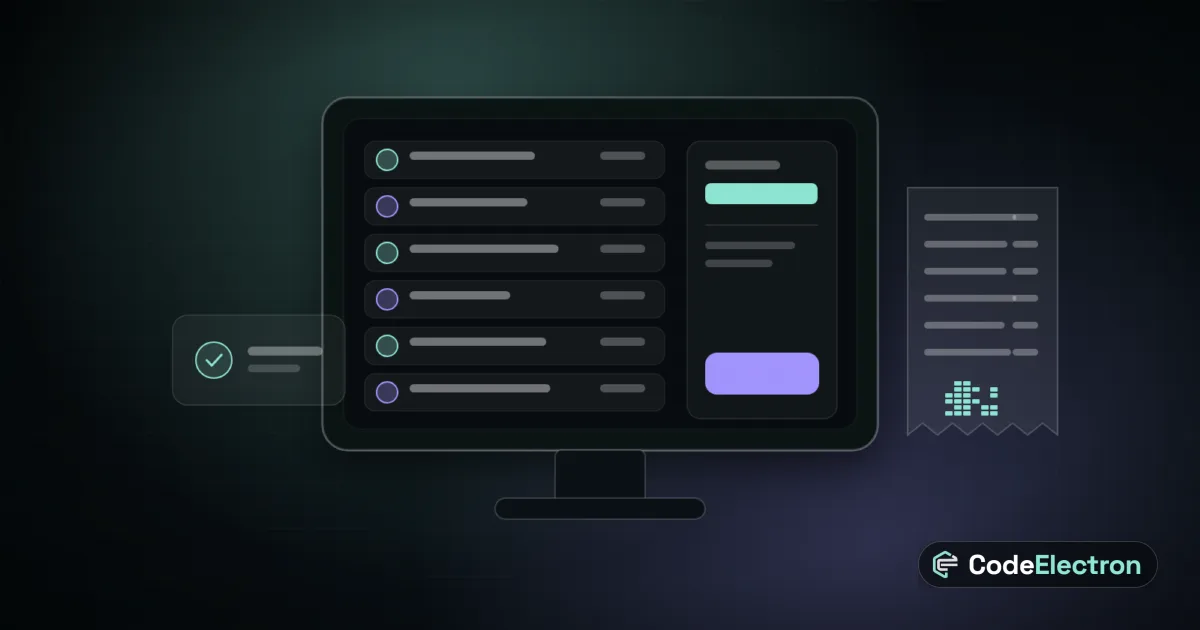
A kitchen display system is a screen, or several, that shows incoming orders to the people who cook them. Instead of a printer chattering out paper tickets, the order appears on screen with its items, modifiers, table or channel and a running timer. Cooks mark items as started or ready, and the front of house sees the status. It connects the point of sale to the line so orders move without anyone shouting or walking back and forth.
Benefits you can expect
- Fewer lost, smudged or misread tickets, because there is no paper to lose.
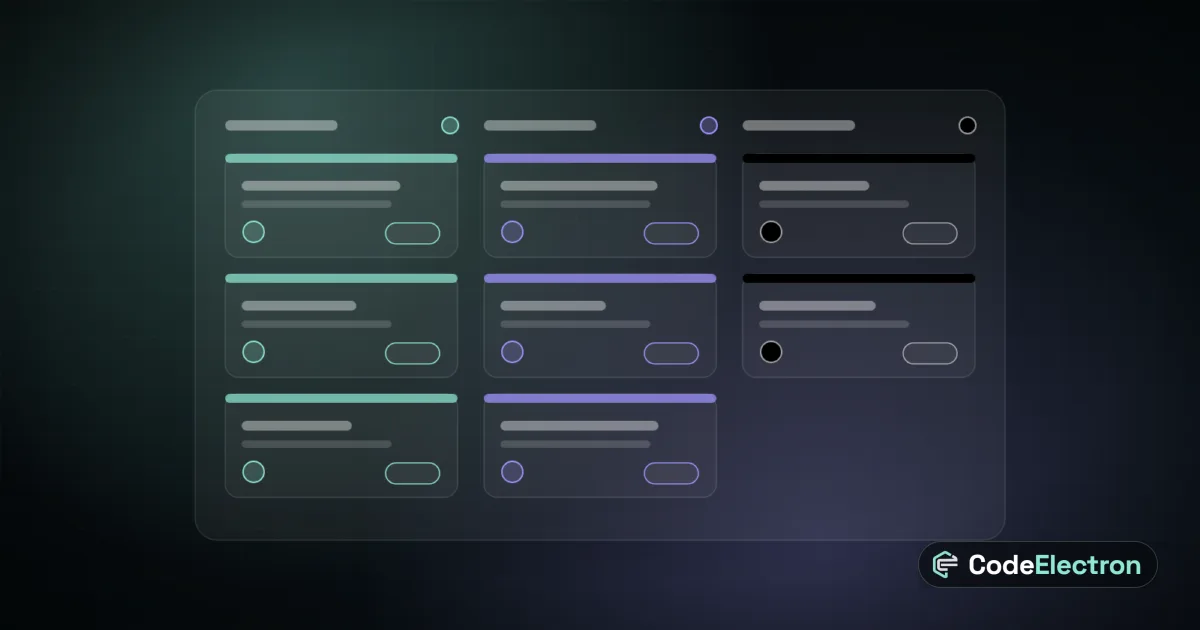
- Station routing: grills see grill items, cold station sees salads, drinks go to the bar.
- Live timers that make slow orders visible before the guest complains.
- One flow for dine-in, takeaway and online orders on the same screen.
- Data on prep times by dish, station and hour, which printers can never give you.
- Cleaner changes: when an item is cancelled or edited the screen updates at once.
None of this fixes a badly laid-out kitchen or an understaffed shift, but it removes a lot of avoidable friction and makes the real problems measurable.
Paper tickets and screens compared
| Aspect | Paper tickets | Kitchen display |
|---|---|---|
| Visibility of delays | Hard to see across the line | Timers and colours on screen |
| Order changes | Need a reprint or a shout | Update instantly |
| Multiple stations | Several printers to maintain | Items routed by category |
| Data | None | Prep-time and throughput history |
| Resilience | Printer and paper issues | Needs network, power and a fallback |
How to set it up
- 1Map your stations and which menu categories belong to each.
- 2Decide ticket states, such as new, in progress, ready and served, and who changes them.
- 3Set timer thresholds that turn a ticket amber and then red.
- 4Choose how modifiers, allergies and notes are displayed so they are impossible to miss.
- 5Plan screen placement away from heat and steam, at eye level and readable at a distance.
- 6Prepare a fallback, such as a backup printer, for network or screen failures.
A worked example
A busy restaurant prints every order at one pass. During peak hours tickets pile up, a grill order is overlooked and a table waits far too long. After adding a kitchen display with three stations, the grill sees only its items, tickets turn amber at a set time and the pass sees what is waiting for a missing component. Within weeks the manager sees from the prep-time data that the fryer, not the grill, is the bottleneck. This is an illustrative scenario, not a client story, but it shows the second benefit: you finally see where time goes.
Mistakes to avoid
- Launching on a busy Friday. Start in a quiet period and train first.
- Showing too much on screen, so the key information gets lost.
- No fallback plan when Wi-Fi or a screen fails.
- Letting every cook change every state, which makes statuses meaningless.
- Ignoring the data. Review prep times weekly and act on them.
Next step
A kitchen screen works best as part of a connected system. Read our restaurant POS guide, see how it fits with online ordering, explore POS and restaurant systems, or talk to us.
Frequently asked questions
Is a kitchen display system better than printed tickets?
For most busy kitchens, yes. It makes delays visible, routes items to stations and gives you prep-time data. Keep a fallback for network or power problems.
Does a small restaurant need a KDS?
Not always. If you have one station and a low order volume, printed tickets may be enough. A KDS pays off as order volume, stations or online channels increase.
What happens if the kitchen screen stops working?
Have a fallback, such as a backup printer or a manual process, and test it. Good systems also keep orders safely stored so nothing is lost when a screen restarts.