Key takeaways
- A good inventory system gives one trusted stock number per item and location, updated as things move, not at month-end.
- Essential features: real-time stock, barcode scanning, reorder alerts, stock counts, multi-location transfers and valuation.
- Useful extras depend on your goods: batches and expiry dates, variants, bundles, serial numbers and supplier lead times.
- Test the system with your messiest product and your busiest day before you buy.
Why inventory features decide the outcome
Stock is cash sitting on shelves. When the system says you have ten and the shelf has six, you promise what you cannot deliver, reorder too late or too early and lose track of losses. The features below are not a shopping list to tick off. They are the capabilities that keep the number on the screen equal to the number on the shelf.
Twelve features worth checking
- 1Real-time stock levels. Every sale, receipt, return and transfer updates stock immediately.
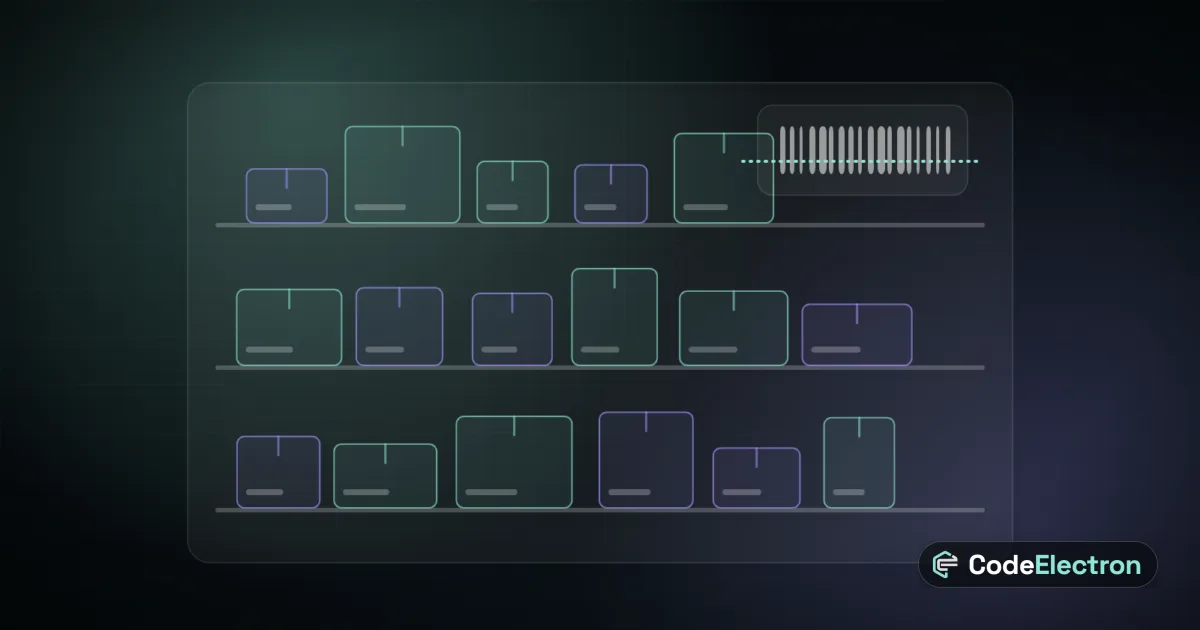
- 2Barcode and QR scanning. Receiving, picking and counting by scan removes most typing errors.
- 3Reorder points and alerts. The system warns you before an item runs out, using minimum levels you set.
- 4Stock counts and adjustments. Cycle counts with a reason for every difference, not silent edits.
- 5Multi-location support. Warehouses, branches and shelves, with transfers that show goods in transit.
- 6Batch, lot and expiry tracking. Essential for food, cosmetics and medical goods, including first-expired-first-out picking.
- 7Variants and units. Sizes, colours and different units of measure, such as carton and piece, handled cleanly.
- 8Bundles and kits. Selling a set that deducts each component automatically.
- 9Supplier and purchase links. Reorder from the right supplier, with lead times and last prices.
- 10Costing and valuation. A clear method for what your stock is worth and what each sale cost you.
- 11Permissions and audit trail. Who changed what, when and why.
- 12Reports. Slow movers, stock-outs, ageing, valuation and movement history you can export.
What is essential and what can wait
| Business type | Must have | Can wait |
|---|---|---|
| Small shop | Real-time stock, barcodes, reorder alerts, counts | Batches, serial numbers |
| Restaurant or café | Ingredient units, recipes, counts, waste | Multi-warehouse routing |
| Distributor | Multi-location, purchase links, valuation | Kitting |
| Food or cosmetics seller | Batches, expiry, first-expired-first-out | Bundles |
| Electronics seller | Serial numbers, warranty links | Expiry tracking |
Connect stock to sales and accounting
Inventory on its own is a list. Its value appears when it is joined to the rest of the business. A sale in your point of sale or online shop should reduce stock at once. A supplier delivery should raise it and create the bill. Stock valuation should flow into your accounts. Ask whether the inventory module shares data with sales, purchasing and finance or needs manual syncing, and review what each ERP module does before you decide.
A worked example
A shop with two branches tracks stock in separate spreadsheets. One branch sells the last unit while the other still lists it, and customers are told the item is available. After moving to one system with live stock, barcode receiving and a minimum level per branch, staff see availability across both locations, transfer goods between them and get an alert before a best seller runs out. This is an illustrative scenario, not a client story, but it shows why a single live number matters more than any advanced feature.
How to test a system before buying
- Load your messiest product, such as one with sizes, colours and two units, and sell, return and transfer it.
- Run a mock stock count and see how differences are recorded.
- Receive a delivery by scanning and check the supplier bill is created.
- Ask for the report that shows what is stuck on your shelves.
- Try it on a slow connection or offline if your warehouse has poor signal.
Next step
Inventory works best as part of a joined-up system. See how to plan the rollout in our ERP implementation plan, how to clean your stock list in ERP data migration, explore our ERP and business systems work, or contact us.
Frequently asked questions
What is the most important inventory management feature?
Real-time stock that updates with every sale, receipt, return and transfer. Without a trusted live number, other features such as alerts and reports give misleading results.
Do I need barcode scanning?
For most businesses with more than a handful of products, yes. Scanning speeds up receiving, picking and counting and removes most typing errors.
Can inventory software connect to my online shop and point of sale?
Often yes, through built-in integrations or an API. Ask for a live demonstration of a sale in each channel updating the same stock number.