Key takeaways
- A delivery product is four parts on one back end: customer app, restaurant tools, courier app and an admin panel.
- Decide first whether you are building a marketplace or an ordering app for your own brand.
- Dispatch, live tracking and menu management are the hardest parts, so plan them early.
- Launch a narrow first release in one area, then expand once you have measured order volume and delivery times.
Marketplace or your own ordering app?
Before features, decide the model. A marketplace lists many restaurants, takes a commission and has to attract both restaurants and customers. An own-brand ordering app serves one restaurant or chain, owns the customer relationship and avoids third-party commissions, but you have to drive your own traffic. The second is far simpler to build and is often the right first step for a restaurant group.
The four parts of a delivery product
- Customer app: browse menus, customise items, pay, track the order and reorder.
- Restaurant tools: a tablet app or dashboard to accept orders, manage menus and availability, and mark orders ready.
- Courier app: receive jobs, navigate, update status and confirm delivery.
- Admin panel: manage restaurants, menus, orders, couriers, promotions, payouts and reports.
All four sit on one back end that holds users, menus, orders and payments.
Core features for the first release
Customer
Phone or social sign-in, an address book with a map pin, menus with modifiers, a cart, promo codes, payment options (including cash on delivery where relevant), order status with notifications, order history and ratings.
Restaurant
Instant order alerts, accept or reject with reasons, preparation time updates, out-of-stock switches, opening hours and daily summaries.
Courier
An availability toggle, job offers or assignments, a navigation link, status updates, proof of delivery and an earnings summary.
Admin
A live order board, manual reassignment, refunds, commission and payout rules, coupon management, reporting and role-based access.
The hard parts to plan early
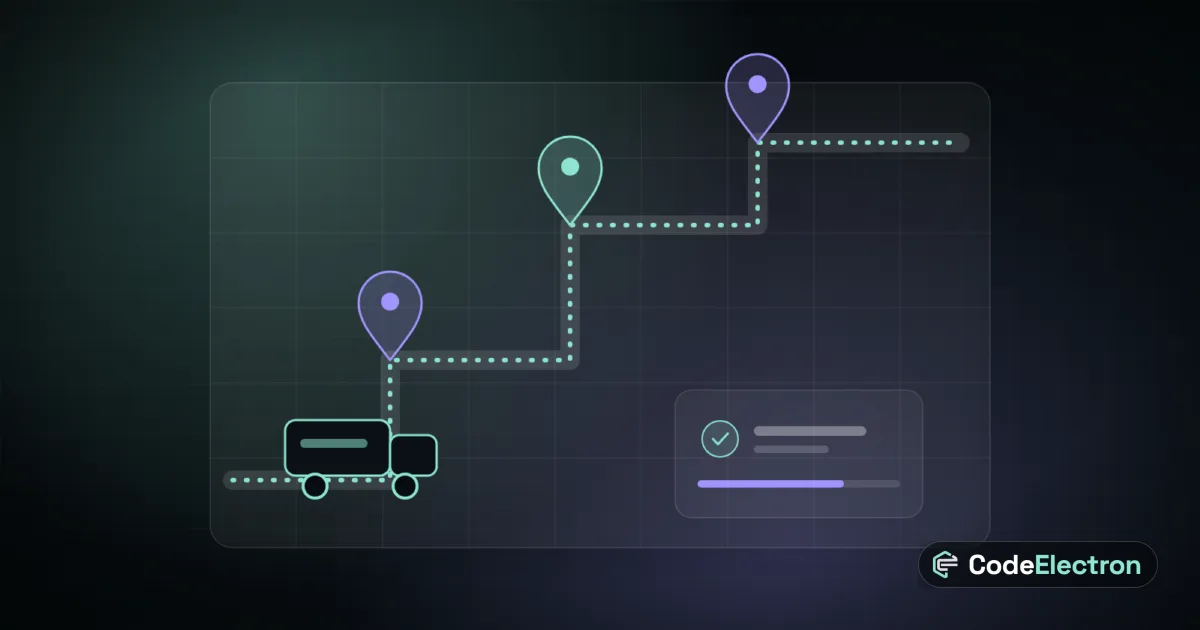
- 1Dispatch: assigning the right courier by distance, load and availability, with fallbacks when nobody accepts.
- 2Real-time updates: order status and courier location need WebSockets or push notifications, and graceful behaviour on weak networks.
- 3Menu synchronisation: if the restaurant runs a POS, orders should reach the same kitchen queue and stock should update both ways.
- 4Payments and refunds: gateways, cash reconciliation for couriers and partial refunds.
- 5Support: customers need a way to reach you about missing items and late orders.
A practical technology stack
A common, cost-effective setup is Flutter or React Native for the customer and courier apps, a Laravel back end with queues and WebSockets for real-time events, MySQL or PostgreSQL for data, Redis for caching and queues, a maps provider for geocoding and routing, and push notifications. The restaurant tool and admin panel are usually web apps so they run on any tablet or laptop. Our mobile app development work follows this pattern.
| Part | Typical technology | Why |
|---|---|---|
| Customer and courier apps | Flutter or React Native | One codebase for iOS and Android |
| Back end and API | Laravel with queues | Business rules, payments and notifications in one place |
| Real-time events | WebSockets and push notifications | Live order and courier status |
| Restaurant tools and admin | Web application | Runs on any tablet or laptop |
| Maps and routing | Maps provider API | Address search, distance and navigation |
A phased plan
- 1Discovery: choose the model, zones, order flow and success metrics.
- 2Prototype: design the customer, restaurant and courier journeys and test them with real users.
- 3Pilot release: one area, a handful of restaurants, simple dispatch and manual support.
- 4Improve: automate dispatch, add promotions and loyalty, and integrate restaurant POS systems.
- 5Scale: add zones, analytics, payout automation and performance tuning.
Mistakes to avoid
- Building all four parts to full polish before testing demand in one area.
- Ignoring courier economics: distance, waiting time and payout rules decide whether deliveries are viable.
- Treating support and operations as an afterthought.
- Skipping offline and weak-network behaviour on the courier app.
Planning a delivery product? Send us your brief with your model, city and expected order volume, and we will reply with an approach, a scope and a realistic timeline.
Frequently asked questions
How much does it cost to build a food delivery app?
Cost depends on the number of apps, features, integrations and design. A single-brand ordering app is much smaller than a marketplace with dispatch and payouts. A discovery phase gives a reliable estimate.
How long does it take to build one?
A focused pilot release usually takes a few months from discovery. A full marketplace with automated dispatch is delivered in phases.
Can the delivery app connect to my restaurant POS?
Yes. Orders can be pushed to the POS or kitchen display and menus and stock can be synchronised, provided the POS exposes an API or we build the integration.
Do I need separate apps for restaurants and couriers?
Couriers need a mobile app. Restaurants can use a tablet-friendly web app, which is cheaper to build and update.